


OKX Wallet is a non-custodial and decentralized multi-chain wallet that offers global users one-stop wealth management, secure storage, transfer and other features. Using a seed phrase to create an on-chain identity, users can secure and conveniently manage their assets on different networks like Bitcoin and Ethereum etc. across multiple platforms (iOS, Android and web extension). It also supports multi-seed phrase import and address derivation.
Currently, OKX Web3 Wallet supports over 50 networks including Bitcoin, Ethereum, OKC, Solana, BSC, Polygon, Avalanche, Tron, Arbitrum, etc. It can automatically detect the network without having to switch it manually when connecting. With OKX, you can easily access 1,000+ DApp protocols and features such as multi-chain and cross-chain DEX, yield farming, NFT marketplace, and DApp Discovery. A wallet is all you need for your Web3 experience.
Started
You can download the extension from the Google Chrome webstore or Firefox browser add-ons. Choose Connect Wallet begin.
Open the Connect wallet page
I don’t have a wallet
- Choose I don’t have a wallet And Seed phrase/hardware wallet to create one
note: Make sure you have connected your hardware wallet before creating your wallet Start page for creating/importing an OKX Web3 wallet
 - Set a password to protect your privacy and choose Confirm to finish creating a wallet
- Choose Make a backup now to display your seed phrase and keep it safe without sharing it with anyone
![Select Back Up Now to back up your wallet]() Select Back Up Now to back up your wallet
Select Back Up Now to back up your wallet - After writing down the seed phrase, choose I came back to verify your seed phrase and complete the backup
 Write down seed phrases to finish creating a wallet
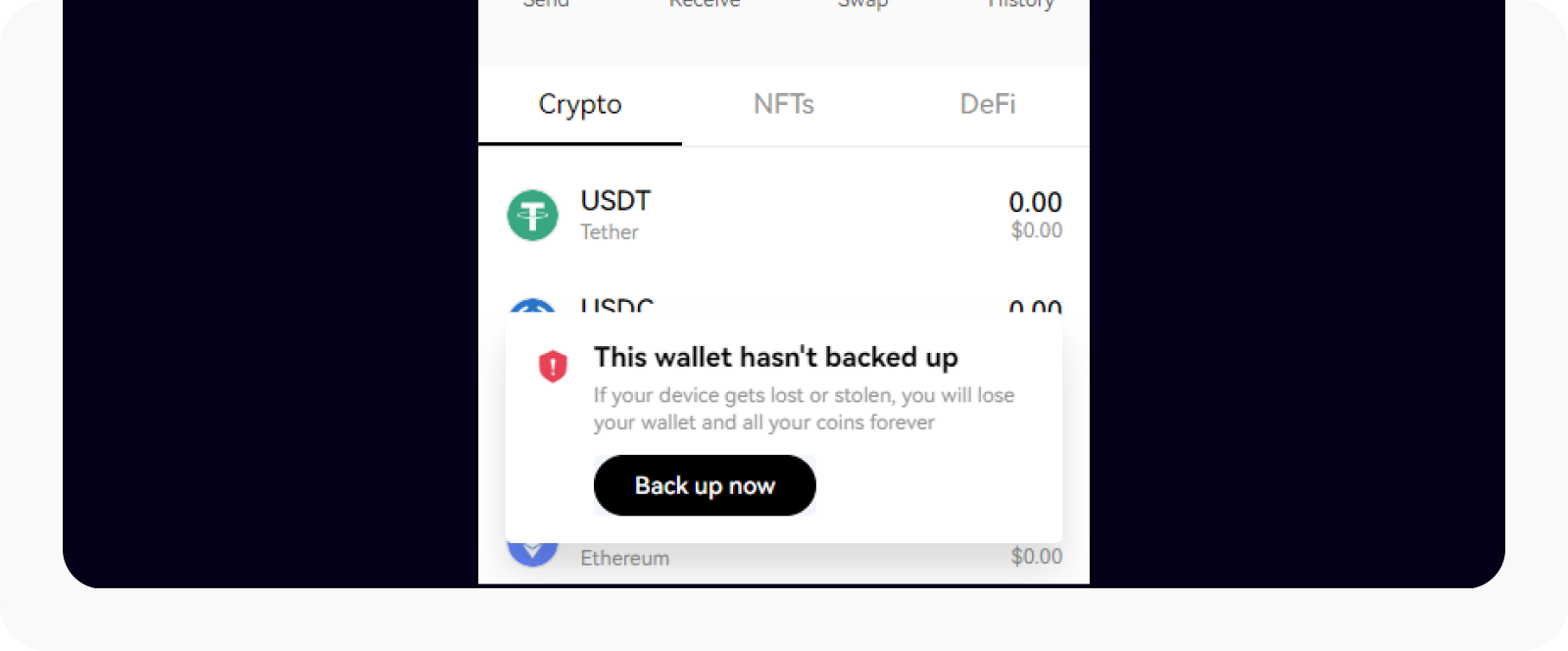 Select Back Up Now to back up your wallet
 I already have a wallet
- Choose I already have a wallet And Seed phrase/private key/hardware wallet to import your existing wallet
![Import your wallet using the seed phrase/private key/hardware wallet]() Import your wallet using the seed phrase/private key/hardware wallet
Import your wallet using the seed phrase/private key/hardware wallet - Fill out yours Seed phrase/private key or connect yours hardware wallet And Confirm
- Set a password to protect your privacy and choose Confirm to complete the import
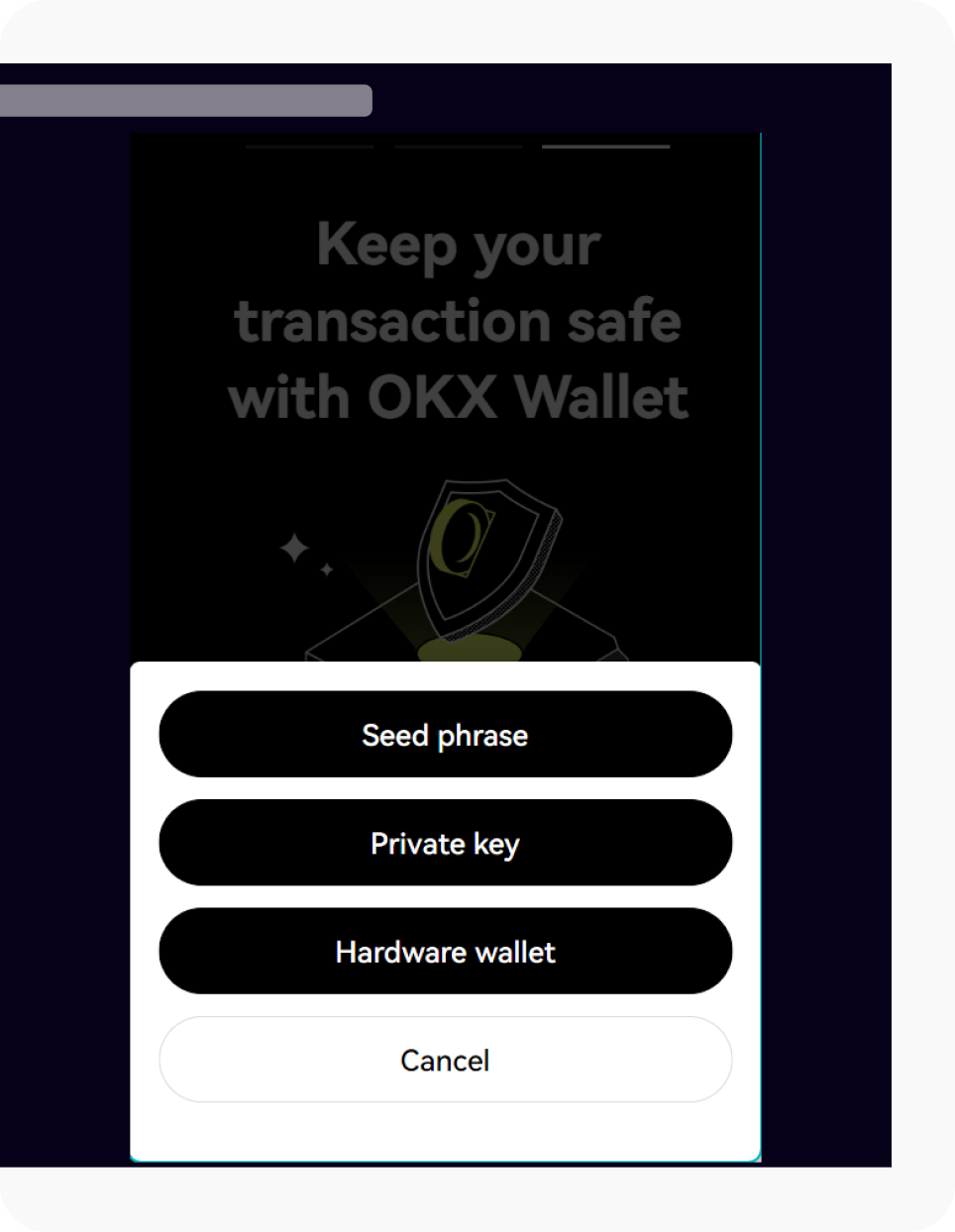 Import your wallet using the seed phrase/private key/hardware wallet
 note: Make sure you keep your seed phrase, private key and password safe and never share them with anyone to avoid loss.
How can I view or backup a seed phrase or private key?
The OKX Web3 wallet supports backup of either the seed phrase or the private key. The seed phrase is recognized as the unique identifier of the wallet (also for the derivative wallets generated from that wallet), which means you can use it to manage crypto assets on 50+ networks. However, the private key of your wallet is different depending on the network. You can choose your wallet name > Administer > Secure wallet. Select “Manage” in the top right
How do I create a new account?
You can choose your wallet name > Add account to create a new account. The accounts linked to wallet A (known as derivative wallets) have the same seed phrase. You can also rename the wallets and accounts by selecting Administer > Edit Wallet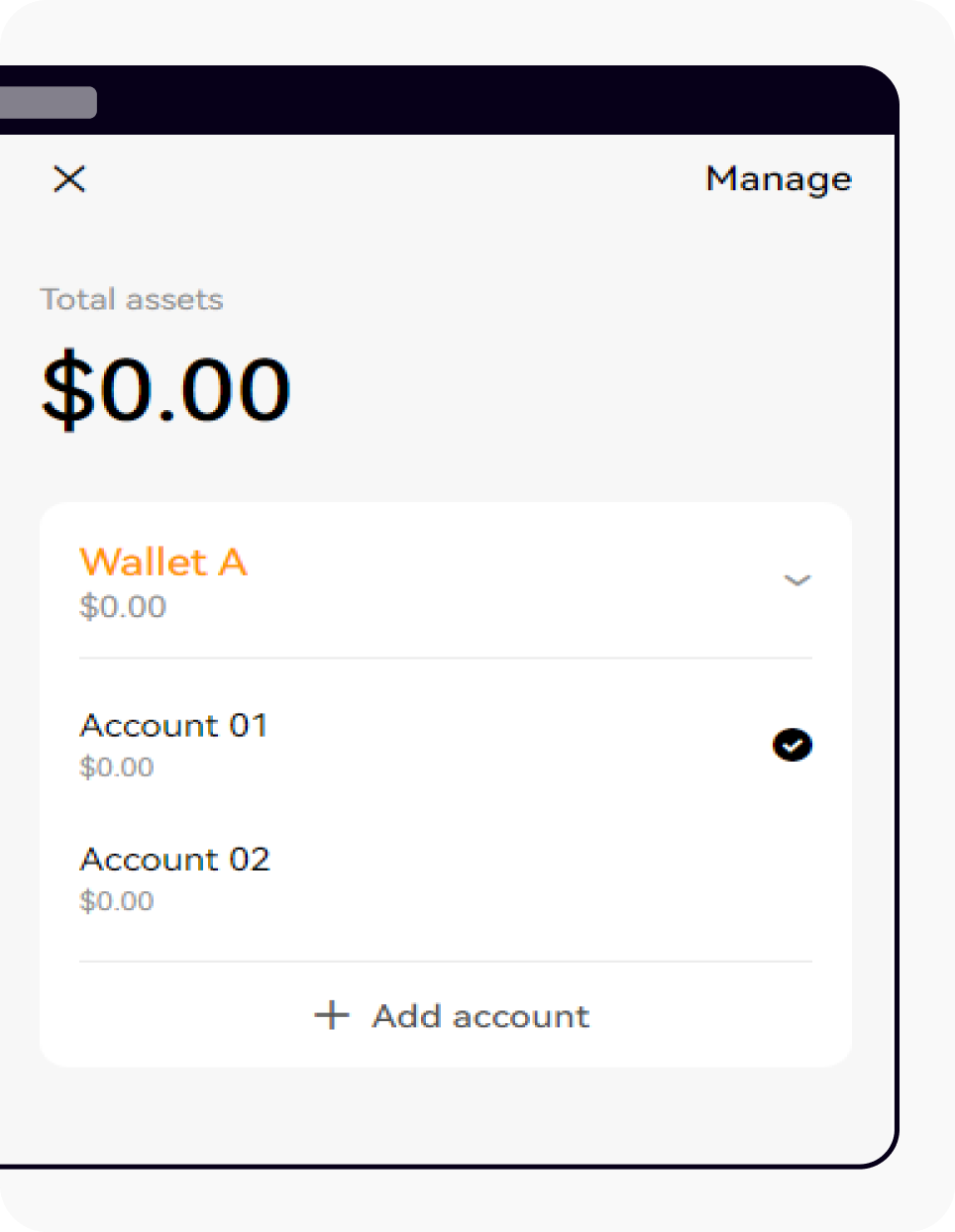 Select “Add Account” at the bottom of the wallet extension
note: If you want to remove an existing account, you must delete the entire wallet from the device. You can then re-import it with the seed phrase, while the wallet imported with a private key cannot add accounts.
How do I use a watch only wallet?
Watch-only wallet is a type of wallet that can be viewed with your wallet address or domain name to monitor your assets, currency, NFT, DeFi, authorization records and transaction details, etc. It can also be used as a blockchain browser for a concrete address. You can choose Connect Wallet on the OKX Wallet website > Wallet for watches only Open wallet page for watches only
Compared to the blockchain browser, the advantage of a watch-only wallet is:
- Multiple watch-only wallets can be added at once for easy tracking
- Multiple networks are aggregated into the same wallet without having to switch browsers of different networks. The watch-only wallet can not only view the assets in 50+ networks supported by OKX, but also the asset attribution in different networks.
note: The watch-only wallet cannot perform on-chain operations using just the wallet address or domain name, such as wire transfers. To perform such actions, you must either import the seed phrase/private key into the wallet or have cold wallet authorization.
How do I discover decentralized applications (DApps)?
The Discover page on the OKX Web3 wallet is a DApp hub where users can get insights into a number of indicators of DApps such as: B. the number of active users, popularity and trading volume, etc. Find DApp Name > Go redirects you to the DApp home page.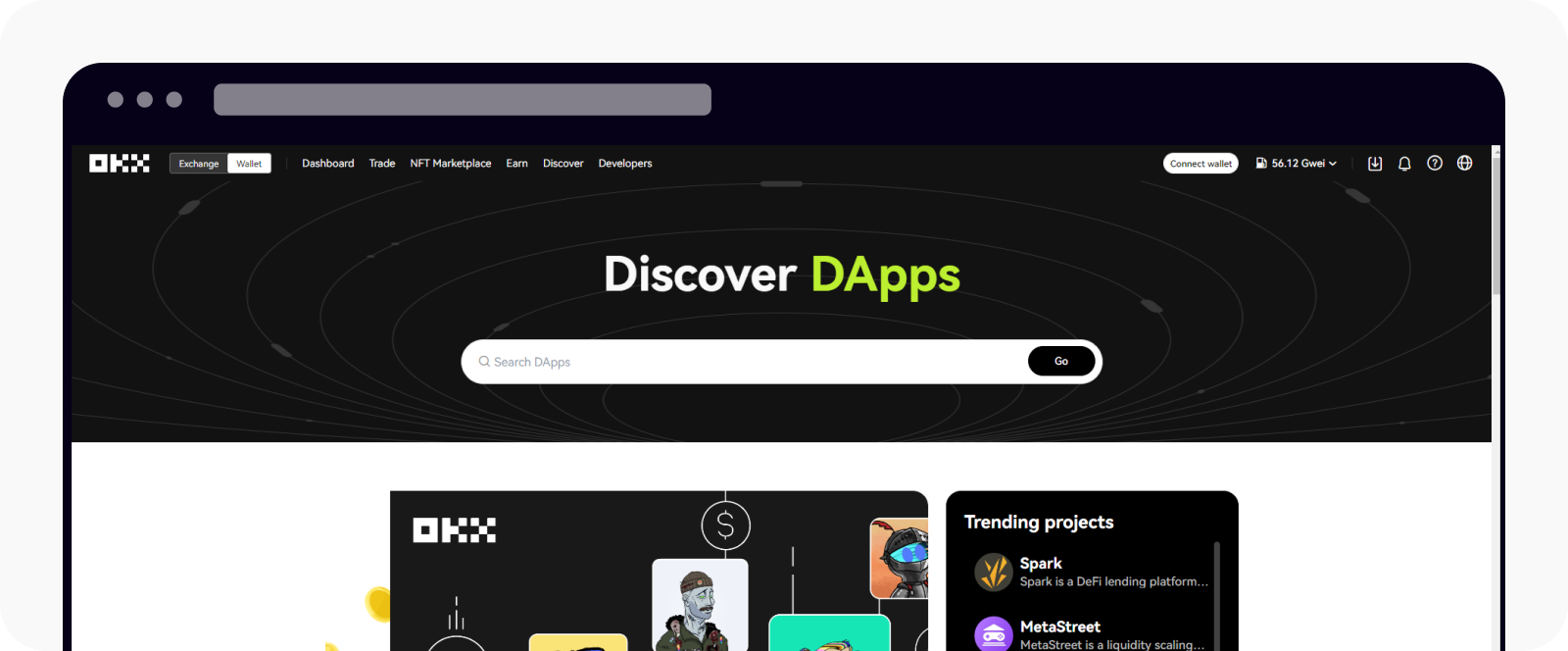 Open the OKX Discover DApps page
Learn Crypto Trading, Yield Farms, Income strategies and more at CrytoAnswers
https://nov.link/cryptoanswers
Comments are closed.